Reading your fire panel logbook: decoding common alerts and fault codes
What your fire panel is actually telling you when it beeps, displays an error, or logs a strange event.
Fire panels have a language of their own. It's terse, it's cryptic, and it's designed for technicians, not building owners, managers, or wardens. But if you can read the basics, you'll be far better equipped to understand what's happening, what's urgent, and what a contractor needs to know before they arrive.
This is a plain-English introduction to the events you'll see on most commercial fire alarm panels in Australia. Specific terminology and abbreviations vary between manufacturers (Tyco, Notifier, Vigilant, Bosch, Honeywell, and others each have their quirks), but the underlying concepts are standard.
The five event types you'll see most often
Alarm. A detection device has crossed its activation threshold, or a manual call point has been pressed. On a monitored panel, this is the event that triggers brigade attendance. Treat every alarm as real until proven otherwise.
Fault. Something is wrong with the system itself (a broken loop, a dead battery, a device that won't respond), but there's no fire indication. Faults are not silent failures; they're announced. Most require a contractor to resolve.
Pre-alarm. A detector is reading elevated conditions (smoke, heat) but hasn't crossed the alarm threshold yet. Pre-alarms are warnings: something is happening, but the system is waiting to confirm. Recurring pre-alarms from the same detector often indicate a problem with the detector itself or its environment.
Isolation. A detector, zone, or device has been manually taken out of service. This is used routinely during maintenance, contractor work, or when a device is faulty and waiting for replacement. Isolations are expected. Forgotten isolations are a compliance risk, because that part of the system isn't protecting you.
System or info events. Informational events: test mode activated, panel reset, silence pressed, battery replaced. They don't require action but they form part of the system's audit trail. (One trap: on American-market panels, "trouble" is the word for what Australian panels call a fault. If you see TROUBLE on a display, treat it as a fault, not as information.)
How to read a typical panel entry
Here's a real-world example of what a panel might log:
14:32:08 ALARM (MCP) at L03M001(MCP), Zone 13, SOUTH LINE - BGA 27 LV SWITCH, SL - GF LV BGA
It looks like noise. It isn't. Broken down:
- 14:32:08 is the exact time of the event, to the second
- ALARM: event type
- (MCP): device category, Manual Call Point
- L03M001: device address, Loop 03, Module 001
- Zone 13: the reporting zone this device belongs to
- SOUTH LINE - BGA 27 LV SWITCH: a human-readable location label, configured when the system was commissioned
- SL - GF LV BGA: secondary label, often a shortcut for Sounder Line / Ground Floor / Low Voltage / Break Glass Alarm
The device address matters because it uniquely identifies the physical unit. If a contractor needs to find that manual call point, they can walk straight to it using the loop and module numbers.
Common device abbreviations
- MCP / BGA: Manual Call Point / Break Glass Alarm (the red square you press)
- SD: Smoke Detector
- HD: Heat Detector
- MHD: Multi-sensor detector (on many systems, combined heat and smoke sensing in one unit)
- FR: Fire (generic)
- PC: Pressure switch or control (sprinkler systems)
- SW: Switch
- SL: Sounder Line (the audible warning devices that activate during an alarm)
- LV / HV: Low Voltage / High Voltage
- BGA: Break Glass Alarm
Manufacturers often use their own variations. The commissioning document for your building will list the exact abbreviations your panel uses.
Common fault codes and what they mean
Loop break or loop fault: there's a physical break in the wiring loop that connects a set of detectors. Devices beyond the break may not be protecting their area. Urgent.
Detector dirty: the smoke detector's sensitivity has drifted, usually because of accumulated dust inside the chamber. Not urgent in isolation, but should be addressed at the next scheduled service.
Battery fault: the panel's backup battery is below its voltage threshold or reaching end of life. If mains power fails with a faulty battery, the panel goes down. Schedule a replacement.
Earth fault: a wire in the system is making unintended contact with ground. Usually indicates water ingress, rodent damage, or a wiring fault. Needs a contractor.
Comms fault: the panel can't reach the brigade or monitoring centre. A real alarm might not be transmitted. Urgent.
Device missing / not responding: the panel expected a device at a particular address and didn't get a response. Could be a physical failure, could be someone removed the device. Investigate promptly.
What needs an urgent response
- Any alarm: assume real until proven otherwise
- Loop break: protection in the affected area may be reduced
- Comms fault: the brigade may not be notified of a real alarm
- Persistent battery fault
- Multiple faults in quick succession: often indicates a larger issue upstream
What can wait (but shouldn't be ignored)
- Single detector-dirty notices: schedule cleaning at the next routine
- Occasional pre-alarms from one detector: investigate the environment
- Isolations: make sure they're documented, and that someone has committed to reversing them when work finishes
How Magnifire helps
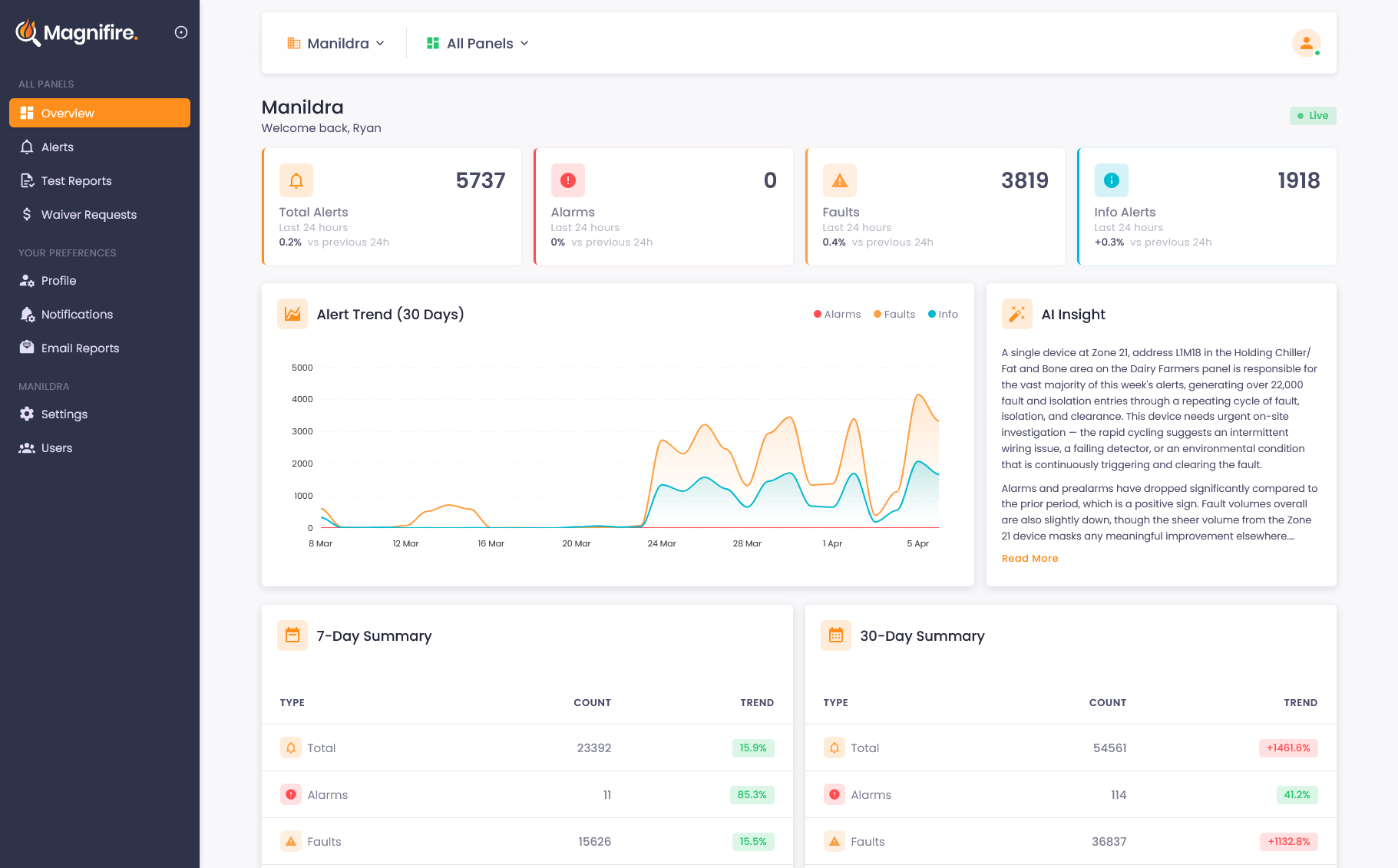
Magnifire takes the raw panel output and translates it into plain-language summaries. Instead of "ALARM (MCP) at L03M001(MCP), Zone 13, SOUTH LINE - BGA 27 LV SWITCH", you get a message that says what happened, where, and what it probably means in context, including whether the device has activated recently, whether surrounding detectors picked anything up, and whether the pattern suggests a real event or a known nuisance trigger.
For wardens and managers, that difference matters. Reading the panel display under pressure is a skill. Reading a clear summary on your phone isn't.
Sources
- Johnson Controls / Tyco: Vigilant MX1-Au Fire Alarm System Operator Manual (LT0439) (event categories: alarm, pre-alarm, fault, isolate, system events; loop/point device addressing and event message format; Chapter 4, "Viewing the Event History")
- Johnson Controls / Tyco: Simplex 4100ESi Operator Manual, "Viewing alarm and fault history" (alarm and fault event logging conventions on a second widely installed Australian panel family)
- Fire and Rescue NSW: "Automatic Fire Alarms" (alarm signals from monitored automatic fire alarm systems trigger brigade attendance)
See what you've been missing
Whether you own, manage, or maintain fire systems, the visibility changes everything. We'll show you exactly how it works for your situation.