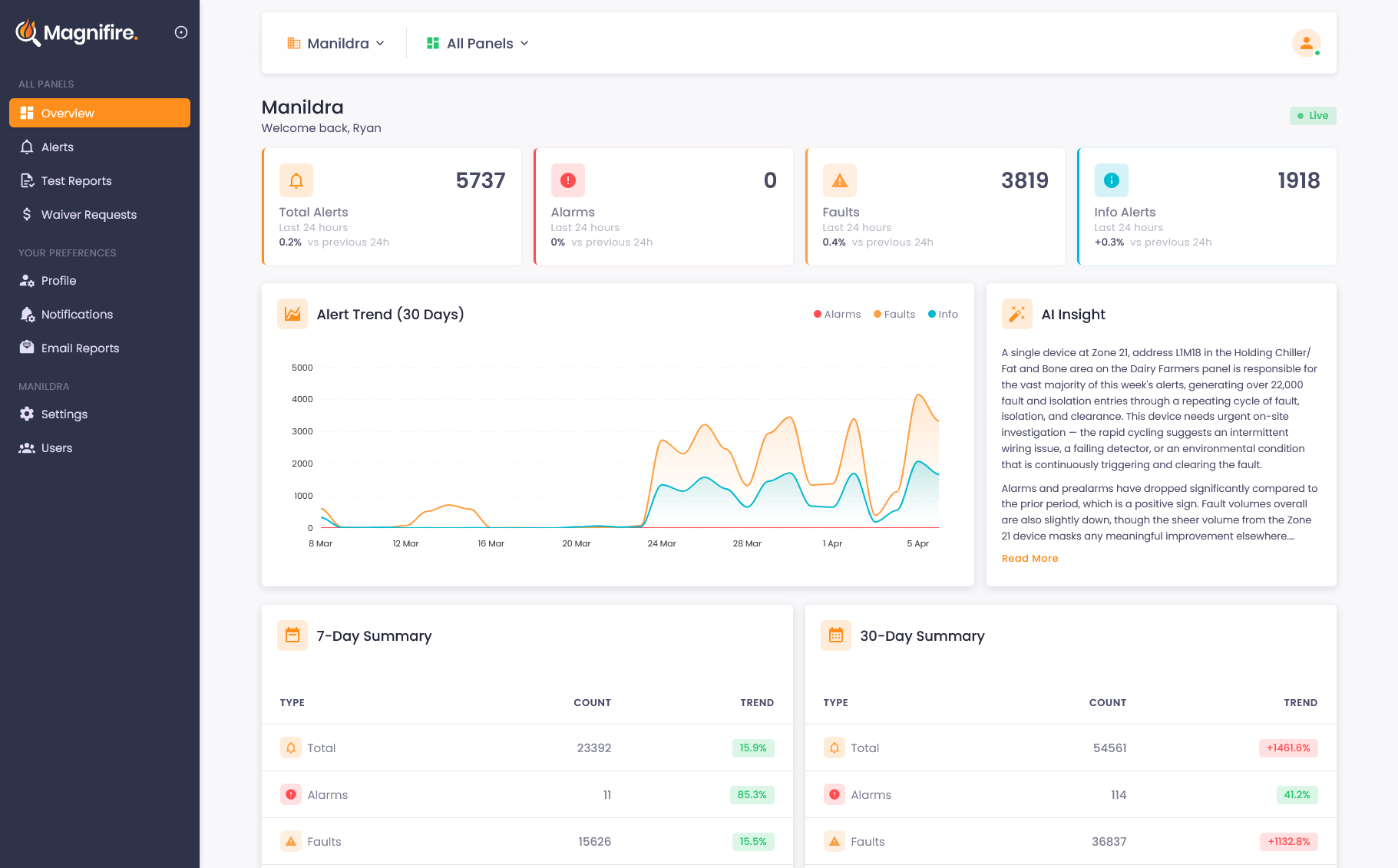
Fire system reports that write themselves
Keep everyone informed without anyone having to log in. Daily, weekly, and monthly reports delivered straight to the inboxes that need them.
The right information, to the right people, on schedule
Dashboards are powerful, but not everyone checks them. Scheduled reports make sure the people who need to know are kept in the loop automatically. Daily alert summaries, weekly overviews, and monthly comprehensive reports land in the right inboxes at the right time, without anyone having to remember to look.
-
 Three report types: daily alerts, weekly overview, monthly comprehensive
 - Smart daily reports, only sent when there are new alerts
- Flexible scheduling: choose delivery times in your timezone
- Per-user preferences: each team member picks what they receive
Here’s what you missed
Reports that tell you when money is on the line
Your reports don't just summarise what happened. They flag what you should do about it. When a false alarm event is eligible for a waiver, the report highlights the estimated savings, links directly to the waiver process, and shows how many days you have left before the deadline expires. No one needs to go looking for the information.
- Estimated savings from waivable events highlighted
- Direct links to start the waiver process
- Deadline countdown for each eligible event
- Dark mode support for modern email clients
Three reports, one complete picture

Daily Alert Summary
A quick rundown of alarms and faults since your last summary, with isolations and restorations for context. Delivered once a day, or up to three times daily on your schedule. Only sent when there's something worth reporting.

Weekly Overview
Alert trends, panel health status, and key events from the past seven days. The report your building manager actually wants to read on Monday morning.

Monthly Comprehensive
The full picture: alert volumes, trend analysis, waiver savings, and system health across your entire portfolio. Perfect for management reporting and compliance records.
Common questions about reports
Yes. Each user sets their own preferences: daily, weekly, monthly, or any combination. A building manager might want daily alert summaries, while the owner only needs a monthly overview. Everyone gets exactly what they need without the noise they don't.
Daily reports are smart: they're only sent when there are new alerts to tell you about. No alerts means no email cluttering your inbox. Weekly and monthly reports are always sent on schedule so you have a consistent record.
Reports cover every panel in your organisation. If you manage multiple buildings, the weekly and monthly reports give you a complete portfolio view: alert counts, panel health, and trends across all sites in a single email.
See what you've been missing
Whether you own, manage, or maintain fire systems, the visibility changes everything. We'll show you exactly how it works for your situation.